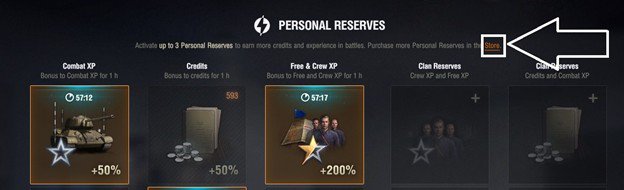
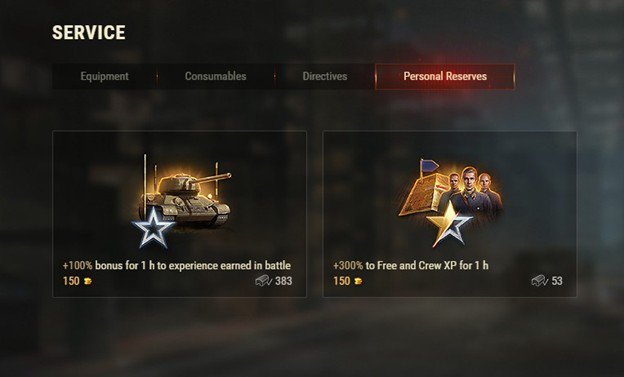
Personal Reserves work the same way as Reserves in Strongholds. Players earn Personal Reserves for completing certain combat missions. These Reserves can then be activated.
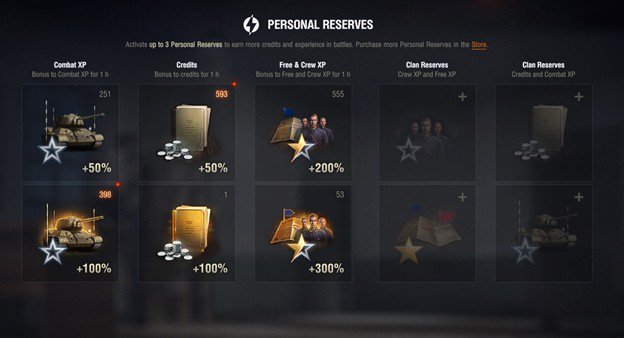
Depending on the Reserve type, upon activation, the player will receive various bonuses after battles:
- Additional XP
- Additional Free XP
- Additional Crew XP
- Additional credits
- Frontline XP
Each Reserve has its own duration, which is indicated on the Reserve itself.
To activate received Reserves:
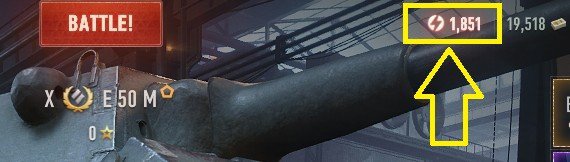
While in the Garage, click the Personal Reserves icon in the upper-right corner of the screen. This icon is located to the left of bonds.
Here you can find a list of the Personal Reserves available in your Depot. You can activate them at any time. To do this, select the desired Reserve and click "Activate."
However, there are temporary types of Personal Reserves that can expire after some time.
You can activate three different Reserves at a time.
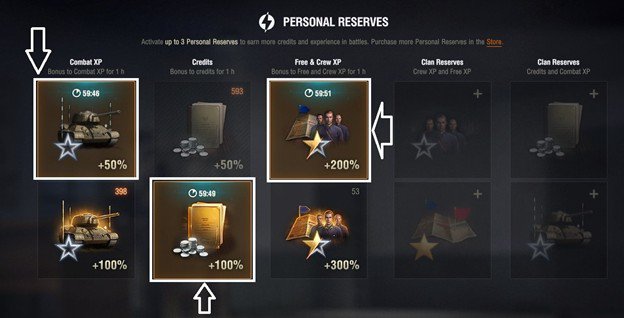
You can also purchase the necessary Personal Reserves. To do this, go to the "Purchase in the Store" tab, select the desired Reserve, and click "Buy." If you have the needed in-game currency in your account, the Reserve will be credited.